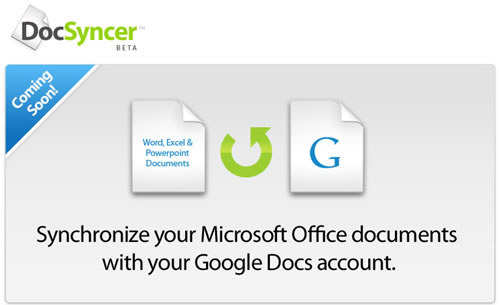
If you use Google docs you might have noticed that there is no solution to sync your Microsoft Office documents with Google Docs. Someone thought of this already and created a service called DocSyncer.
DocSyncer is currently in Private beta, you can request invites at the site. You need to install docsyncer app on your computer, once installed it automatically finds and syncs your documents files to Google Docs and your DocSyncer account. DocSyncer monitors the changes to your documents and syncs updated files as well.
Via Go2Web20


That’s a nice tip! waiting for the sign-up link.
try hibernater, think it might be useful too
Ram, if you get a chance, take a look at Syncplicity — we just launched version 2.0 of our Google Docs sync service and have many improvements planned for the future. Let us know what you think!
Ondrej
There is a new software that has a free version for consumers (not free for business use) which automatically synchronizes with Google Docs, one can drag and drop document to Google docs and documents can be edited offline with MS Office or Open Office.You can search and organize files on your computer
Apply labels, browse folders, move documents.It is also a complete document management tool for the PC.
Take a look at http://www.busydocs.com