CrystalMark is a benchmarking utility for testing your computer performance by running various benchmark tests. You can use the app to compare your system performance against other systems or see your own computer performance. Crystalmark lets you test your CPU, memory, HDD and Video (GDI, Direct Draw, OpenGL).
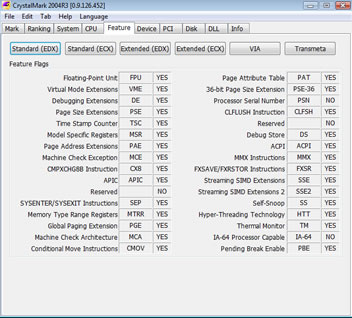
CrystalMark comes as a zip file, unzip the package and open the crystalmark09.exe file. Click on the mark button to start the process. it will run for few minutes before giving the full report. While testing video capabilities it will show extreme graphics in full screen mode, so don’t worry and sit tight while it finishes. You can see the performance of various components of your system displayed in tabs. You can also export the report as text file or html file. The report includes some information about BIOS, chipset, network information, PCI devices apart from other benchmarks.
Crystalmark is a freeware available for all Windows OS versions.

