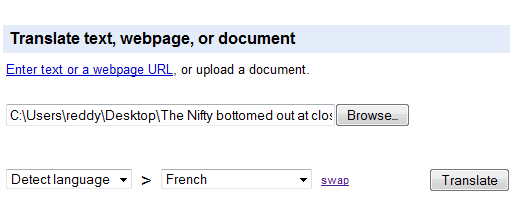
Google Translate, the handy translational tool does a good job of translating from one language to the other, but don’t expect human translation quality as it is machine translation. Till now it only allowed pasting text or URLs in the translation box for translating from one language to the other. Now it also allows document uploads, that means if you want to translate a document you don’t need to copy and paste text you can directly upload a document for translation.
Click on upload document option in Google Translate page and upload documents, it supports Word (including .docx), power point files, pdf, html and text files. All the formatting will be losed in the translation, but this gives a quick way to translate documents. [ Via Google OS ]


I’ve no idea why anyone should translate a document, that is in a language that he/she don’t understands?