On sites like Flickr we often find incredibly good photos and we want to know how that shot was composed. There is an easier way to find out the minute details of that photo composition, which is viewing Exif data added by Digital cameras. Exif stands for “Exchangeable image file format”, and it includes information about the Camera, exposure settings, GPS information where applicable and other details.
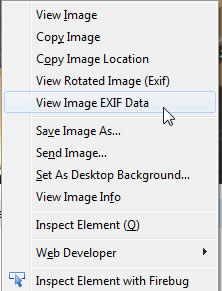
Exif Viewer is a Firefox addon that allows you to view Exif data of photos hosted on websites. It can also be used to view Exif data of locally stored images. It displays complete meta data for the selected photo. After installing the addon, it adds contextual links to your mouse right-click menu, “View Image Exif Data”. Right click on any photo online and select view image exif data, a popup windows will open and displays stored meta data for that photo.
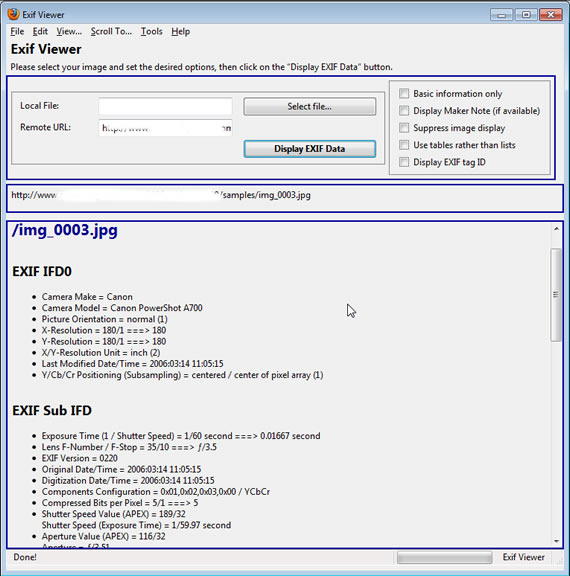
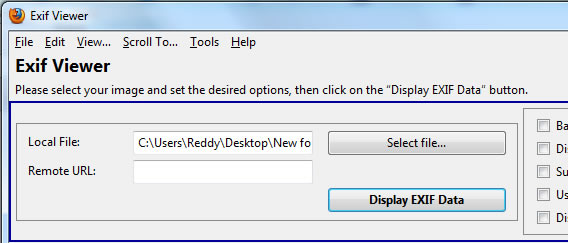
If you want to see Exif data of photos stored on your hard drive, select Exif Viewer from Firefox Tools Menu and select the photo you want, and click display exif data.
The addon will show data wherever it is available, some users will remove Exif data from images before posting them to sites like Flickr, in that case you won’t be able to see anything. There are programs like Metanull to remove metadata from Photos, in this case you can’t see the Exif data. Also you need to click on Original images to see the Exif data, for example, Flick photos, selecting thumbnails won’t show any data. For Google Chrome users there are extensions that show Exif data on your browser.
Download Exif Viewer for Firefox

