Samsung has done quite well with the software of the Galaxy SIII and the Galaxy Note. There are numerous applications which are features only in the SIII and the Note. However, Samsung did not release similar apps and features for the Galaxy SII, mainly because the SII was released a year back. SII is a pretty powerful smartphone and users are disappointed due to the lack of special features on the SII. Previously, I wrote on how you could get the SIII launcher on the Galaxy SII. Today, I am writing on how you can get 2 unique features, 1 from the SIII and one from the Note, on your Galaxy S2.
The first one is the brilliant Video Player from the Galaxy Note. Samsung did not officially release this video player for the Galaxy SII but the developers at XDA did a fantastic job again porting the player for S2. The video player features a special resizable popup video player. A lot of users were quite impressed with the video player.

You can download the zip file of the video player using this link. Once downloaded, you need to flash the zip file on your device using CWM recovery. The video player should work on Galaxy SII with Android version 4.0.4 running Samsung’s TouchWiz launcher. Due to the framework, the video player won’t work if you’re using a custom ROM which does not feature the TouchWiz firmware.
The second app is from the Galaxy S3 which many users enjoyed. SPlanner is a basically a planner/calender app on the SIII. It is similar to the ordinary calendar app but includes a different user interface along with some additional features.
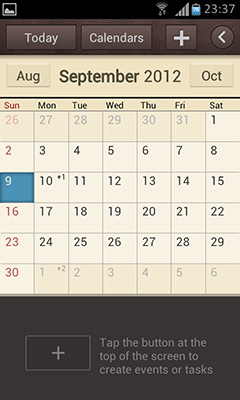
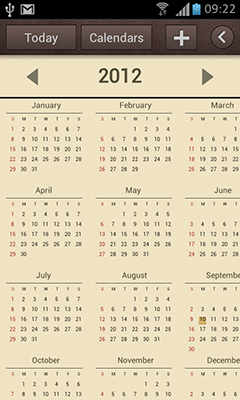
You can download the flashable zip file from this link. Once downloaded, you can simply flash the zip file using CWM recovery. The zip file includes the SPlanner app along with the widget which should work on the Galaxy SII. Note: this will again not work if you are not running Android 4.0.4 with Samsung’s TouchWiz firmware.
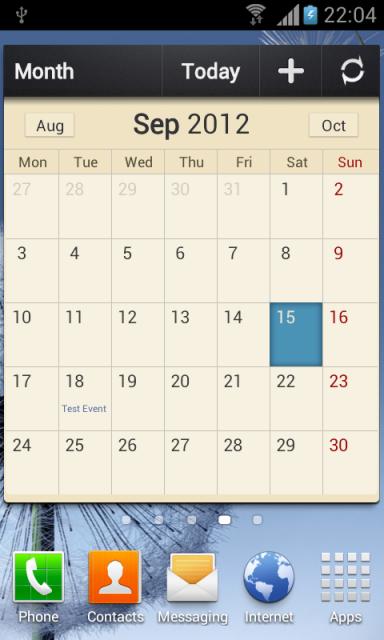
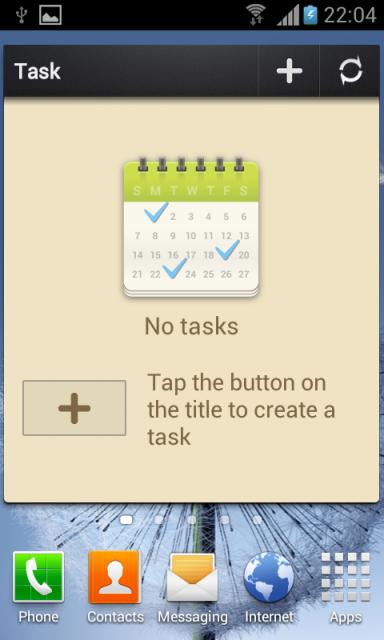
If you face FC while deleting entries from the SPlanner, you need to delete these 2 folders using any file manager: data/data/com.android.calendar and data/data/com.android.providers.calendar
