The HTC Sense UI is one of the most liked launchers on Android. With the new sense 3.5 and 3.6 launchers rolling out, these have been ported onto various Android devices. However, there has been a lack of Samsung and Sony launchers being ported to other Android devices. The Galaxy SIII is arguably the best Android phone currently available in the market and features an impressive TouchWiz Launcher. This launcher has been ported to all Ice Cream Sandwich devices and you can get the launcher if you are running ICS on your Android device.
The SIII TouchWiz launcher features beautiful, fast and smooth transitions. This makes the phone run a lot more smoothly while focusing on eye candy at the same time as the UI looks amazing. Basically, the launcher is based on the ICS stock launcher but with some modifications and additional features.
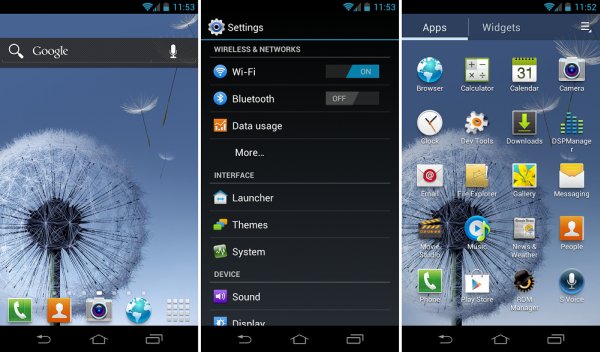
You can download the APK file of the launcher here. The launcher should work on all ICS devices and has been tested on the Motorola droid, Xperia Pro, LG Nitro HD and several other ICS devices. In order to install the launcher, you need to place the apk file in the system/app folder of your phone. Then, you need to change the permissions to RW – R – R (meaning R and W should be ticked in the first row, R in the second row and R in the third row). Once you change the permissions, you need to reboot your phone and then you’ll get the SIII TouchWiz UI on your phone.
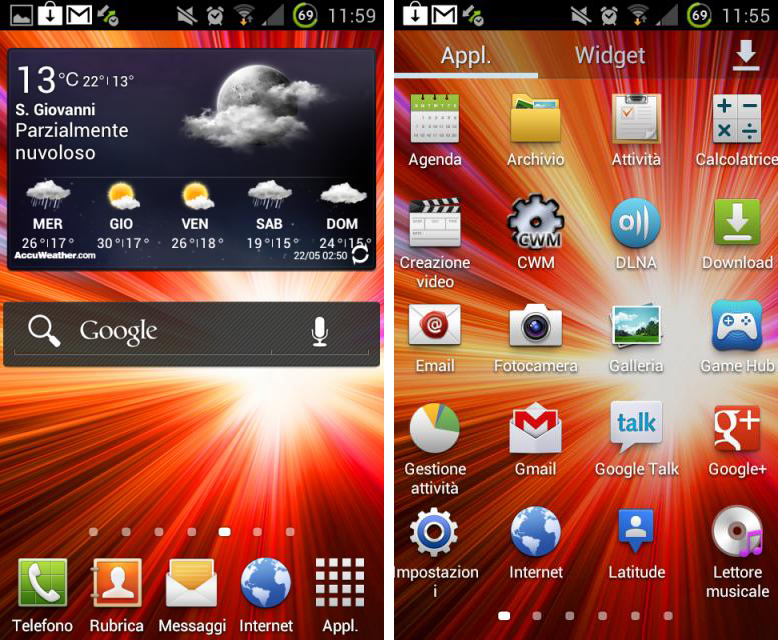
There have been Force Closes on some devices and in order to overcome this problem, you need to install the app from the system/app folder. Once installed, you have to delete the apk file from the same folder. Then, you need to reboot and the launcher should be working fine.
SIII’s task manager has also been ported to some ICS devices and you can download and install the apk file of the task manager using this link.
