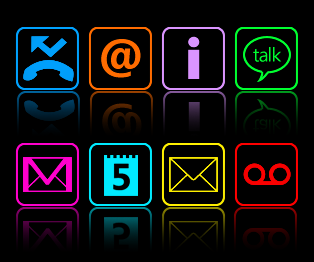
Most of the Android phones come with Led notification lights and it is really a popular feature in most Android smartphones. Led lights basically help you check if you have any notifications if you missed a notification or if the phone is on silent. However, a new app is now available which does exactly the same thing but using the phone’s primary screen.
NoLed is an app which switches the Led notification lights to ON-Screen notification lights. It displays similar lights on the phone’s screen instead of the Led Lights. Initially, the app was released for AMOLED Screens because Black color does’t consume any power on AMOLED displays. Therefore, only the on screen icons/lights use power instead of the Black Screen on AMOLED displays. The app has been liked so much that users are using this on normal capacitive touch screen displays.
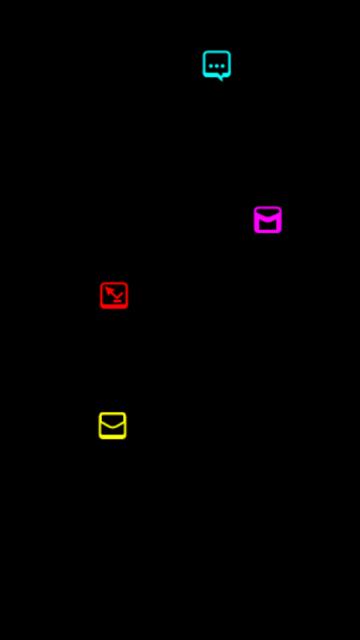
The way this works is that when you get a notification, the screen shows small Led Lights on a black screen every 3 seconds. You can change the time interval in the settings option. You can change whether you want icons or small Led dots on the screen. Apart from that, the app also offers changeable led lights for different notifications.
You can download the app using this link. Once installed, you need to install the apk file. After the app has been installed, you can activate it by restarting your phone or by adding a widget of the app and then clicking on it. The same applies when you force close the service.

When you get notifications, the app will show a black screen with Led icons/dots on the screen and in order to get back to your homescreen, you can use the home key or the back button. The app will work with notifications including SMS, MMS, Email, Gtalk, missed calls, voicemail and calender. If you want notifications from 3rd party apps such as Whatsapp, then you will need to manually add the app in NoLed.
You can check out this page in order to download additional themes, icons and colors for the app .