As the Android OS is extremely customizable, there are various replacements available for default Android apps. Typing is one of the major parts of a smartphones and different users prefer different typing methods. Numerous keyboards are already available for the Android OS and they feature different styles, themes and input methods. After the classic Android keyboard and Swipe, a new keyboard is available with better and improved features. SwiftKey flow is the successor of the popular SwiftKey keyboard which was rated as one of the best Android apps. SwiftKey Flow is probably the best “swipe” keyboard when it comes to word prediction. Also, its additional features and input style make it one of the best keyboards for Android. Currently in the beta stage, SwiftKey Flow redefines touchscreen typing with its innovation.
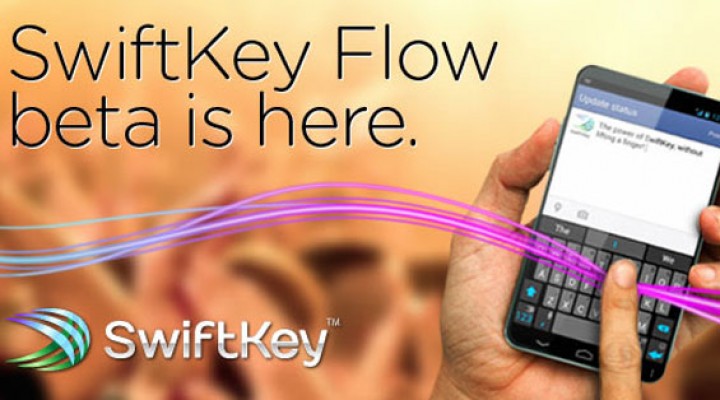
SwiftKey words similar to swipe and you can swipe your finger between the keys in order to write words. SwiftKey’s function doesn’t end here and SwiftKey’s tap engine helps the app to get accurate results. Basically, it uses the tapping style of users with the touch-sensitive areas in order to write accurate words.
SwiftKey is a lot more than just a swipe keyboard as it brings innovation to touch screen typing. Probably, the best thing about the app is that you don’t need to release your fingers while you write sentences and swiping your finger through the space bar creates words. This new “flow through space” typing gets better results while letting you type really fast.
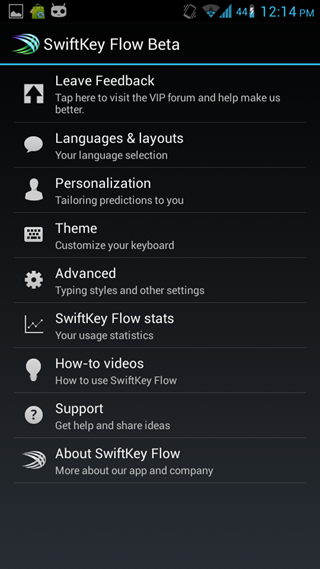
Apart from combining the basic swipe along with word predictions, SwiftKey Flow also features next word predictions for an even better typing experience. The keyboard uses typing patterns from previous messages and other apps including Facebook and Twitter.
For Android smartphones, the apk file can be downloaded using this link. For Android based tablets, you can download a separate apk file here. You can install the apk file as any other app.
