Everyone wants to have a unique design for their blogs or websites, but all of us won’t have skills necessary to make a unique design. Thankfully there are many resources on the web to help you in tweaking your design. In this post i will list tools available for generating background images for your blog design.
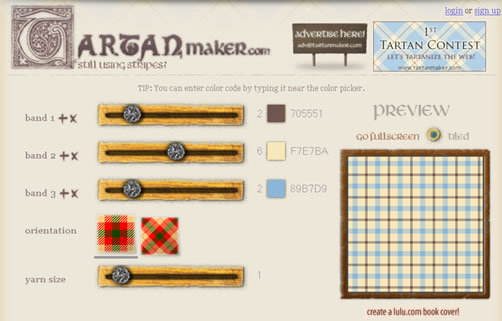
1. Tartan Maker
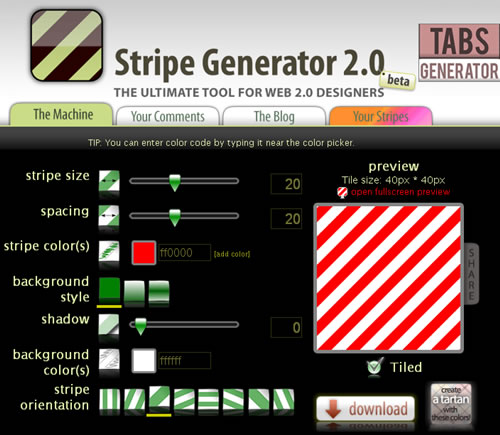
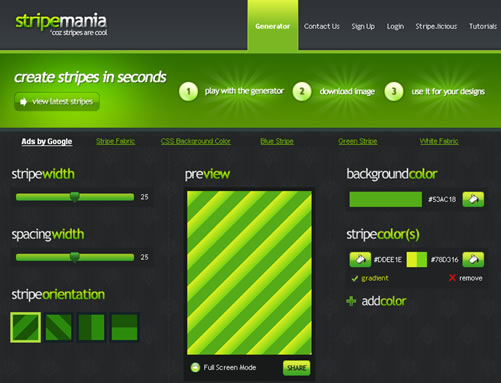
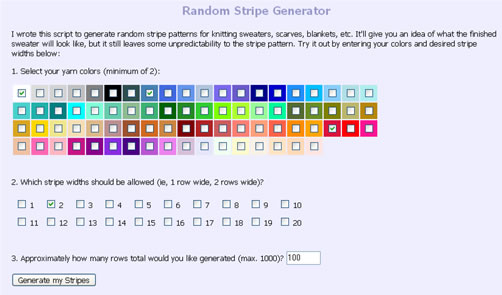
3. StripeMania
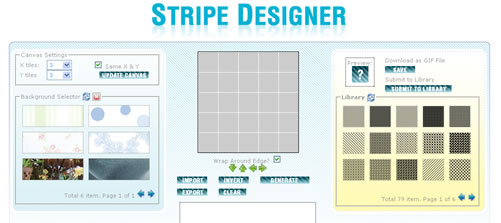
5. Stripe Designer
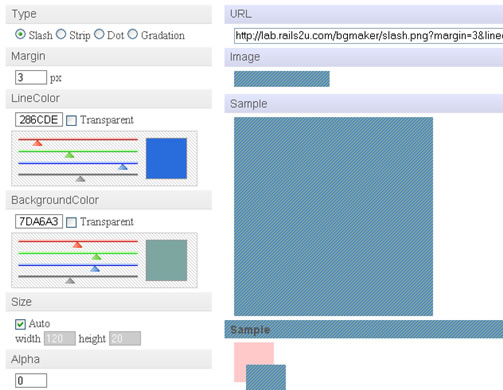
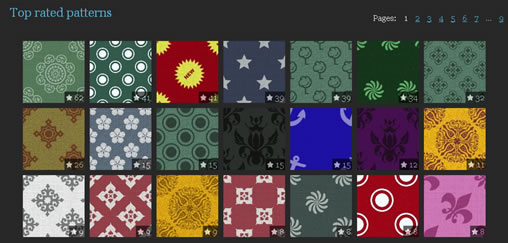
7. BgPatterns (review):
Do you know any other background image generator, share in the comments.


Hey, thanks for compiling this post. I was looking for a tutorial on how to make a stripes background and came across this. Thanks a lot for compiling some many good generators in one spot!
You are everything that is wrong with design. Even your generic “web 2.0” logo wasn’t enough to show that you do not have any real skills in creating innovative and thoughtful designs, so you had to back it up by actually adding the label “web 2.0” into your logo.
You then go on to try to explain to people that these generic fill-in-the-blank generators will make peoples blogs look cool.
Don’t be fooled by this sheepish mentality. Innovative web design isn’t a formula. It cannot be reduced to a few generators and methods. While these things look cool, they are incredible overused by people who don’t know what else to put.
If you want some real ideas, you have to surround yourself by innovative designers, and allow yourself to get inspired. Please don’t just follow the pack because you don’t know what else to do.
WTG Phill! I agree. There is a reason that People design websites and not computers or generators. I have to laugh at the term “web 2.0”.
Linda
@Phil
I may be wrong and i am not a “designer” myself. Most of the people are happy in tweaking some free themes to a level that looks somewhat different than others, for those these generators come in handy.
“Web 2.0” in my logo is not to back it up but it is a tag line, sorry if i mislead you on that.
Not everyone will have the resources to hire a good designer, becoz “a good designer” won’t come cheap.
Don’t listen to Phil, he’s a jackass that is not offering any help or solutions just gormless criticisms. What we call a ‘loser’.
Thanks for the work you have done.
Jon
Nice post, really really helpful!
Check out my web 2.0 blog at ……
The above link is a spam post
If you can use a generator to produce something in a lot less time then it would take you to do it by hand and the result is as good then why not use the tool and save your client some money. charging to do everything the long way because you are too good to use a tool is just stupid.
Very helpful post. Thanks !
I agree with Nixie. I was thinking about what I wanted as a background on my site, and in my head came up with left to right downward diagonal stripes in shades of black grey and white. I searched and found this generator, and saved a boat load of time by just punching what I want. You are a fool if you are going to waste time just so you can say you got the same thing but you did it on your own.
Nice group of tools. It actually helped me with a last-minute background enhancement. Thanks!
Thanks for the great list. Here is another generator: http://www.reflectz.net
Phil is everything thats wrong with the design world.
Self righteous and self appointed guardians of “Design Wank”.
Design is a commodity like anything else you tool and stock standard repetition of the latest fad makes money.
Go suck on your latest photoshop plugin you monkey.
Phil… you’re a Knob!
Thank u very much. Second site is good.
Hey here’s another one you might want to check out,
http://www.colourlovers.com
Exactly what I was looking for. Stripe generator 🙂 Thanks!
Tried the second one. Pretty good
Looks like phil was a vicitim of recession when he made his weird comment. But truly Ram compiling that list was a great help to bloggers like me.
Phil is using belittlement of others techniques & ideas to bolster his own self-worth and self-value :).
Thanks for the links. Saved me time 😉
Nice tools, exactly what I was looking for. Thanks!