PowerPoint 2007 allows you to create photo albums in presentations. Instead of adding photos one by one with new new photo albums feature you can add you digital photos in one go to create a nice photo tale.
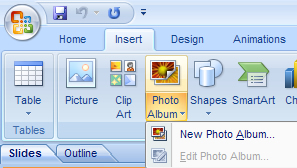
To create a photo album click on Insert menu and click Photo Album and select new photo album. Now a pop-up window opens, select the photos you want to insert in the album. After adding the photos you can rotate them or change brightness/contrast if you wish.
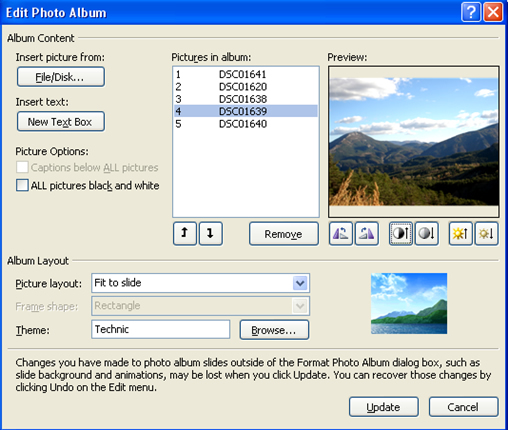
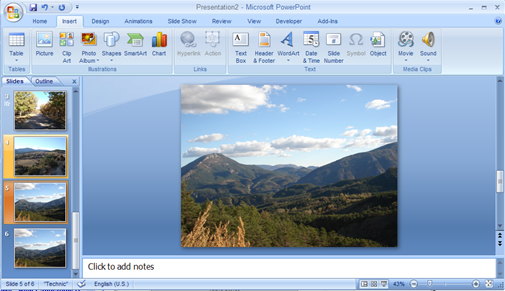
You can also select a theme for the photo album. Once done click create and your photo album is ready to be sent to your contacts.


Nice! Need to install the new Office before i can try this. 😀
Wow. Had no idea you could do this! Goes to show you how much I’ve actually played around with Office 2007 huh?
@Bush
even i haven’t explored it fully
I’m also in the process of exploring Office 2007. It has tons of new features.
@Nirmal
Yaah lot of new features, now it became very user friendly
it is a greate tool, but Microsoft uses a strange objects package for displaying the pictures with captions. It seems to be a group of a picture and a textbox, but you can’t ungroup it and the picture inside the group is locked. If you delete the textbox, you can not even move or resize the picture any more!