iRadeo is a free script released under GNU license that will help you to setup your own personal streaming radio on the web. Unlike Ubercast and others this is not a hosted solution, you have to host it yourself.
How it works
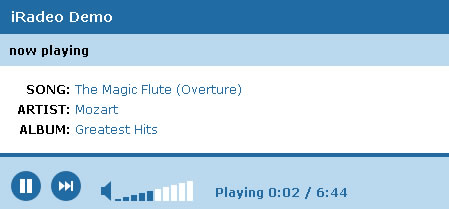
Download iRadeo script and upload it to your server, change the config file settings. Then upload the music you want to stream to your web server. Once you are done with these steps copy and paste the below code where you want this player to appear.
[sourcecode language=’js’]
[/sourcecode]
You can paste this player anywhere you want given the path is set correctly. The player recognizes MP3 and WAV files, so don’t upload other formats like .rm it may not play those.
Player can be customized by editing the CSS file included in the script. Now go and create your own streaming radio station. Download iRadeo


this i need asap.