Update: Every 30 min or so it is showing the notification, i feel it is more annoying than useful. I recommend you to remember the time and check yourself with out the extension.
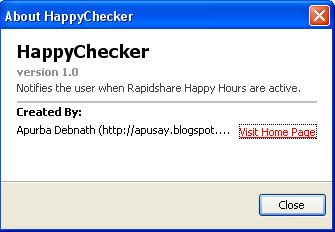
If you use Rapidshare a lot then you may have to wait for long before you can download the actual file, this can be avoided if you are a paid user. HappyChecker is a Firefox extension that gives you a notification when rapidshare happy hours are active.
 What are Happy Hours: Rapidshare employs heavy captchas and waiting times for file download for free users. When their servers have enough bandwidth to spare they will activate so called Happy Hours, at that time captchas and waiting times are disabled. You can just remember these happy hours yourself if you do not wish to download Firefox extension. Remember this firefox add-on requires you to login to Mozilla Add-ons site.
Rapidshare Happy Hours
Monday – Friday 00:00h – 18:00h (UTC+1)
Saturday – Sunday 00:00h – 14:00h (UTC+1)
Download Happychecker


Hey, the new version doesn’t show any pop up. It just shows an icon on the status bar. So its not annoying anymore. The icons are little ugly though ..
Doesnt seem to work with firefox 3