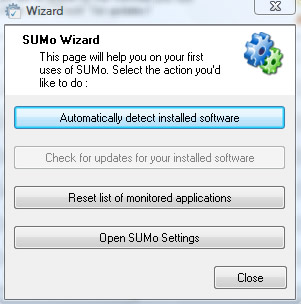
SUMo (Software Update Monitor) is a free software for monitoring the installed software for updated versions. After installing SUMo can auto detect the software installed on your computer, click “Automatically detect installed software” button from the SUMo wizard.
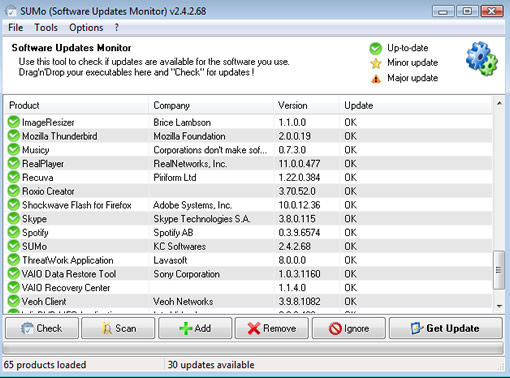
After it lists all the installed software in your computer you can check for the software updates, when you click the check button it will detect and shows the software that require updates. The green icon indicates that the software is up-to-date, a yellow star icon indicates there is a minor update for the software and the triangular exclamation mark icons indicate that the software has a major update, it is better to update the major updates of the software immediately.
You can right click on the software name and select Get Update to get the details of the software update, it will take you to the SUMO web pages and shows you the version available. There is no way to get the direct link of the software, you have to go to the original home page of the software and hunt for the update.


[…] via|tecknobytes Condividi Aggiungi su OkNotizie […]