Tweaking Windows Services to disable unnecessary services can help improving your system performance. Windows has an in-built services tool for doing this. But the long list of services list confuses you, then head over to ServicesEditor, an online service that helps you in tweaking the Windows services.
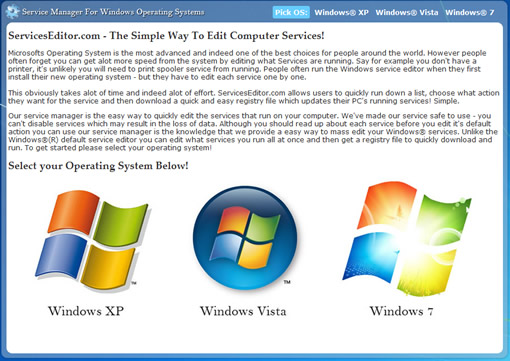
ServicesEditor supports Windows XP, Windows Vista and Windows 7. First select your OS then it will present you with the list of services with radio buttons, you can toggle between automatic, manual and disabled to change the behavior of the services. Tweak all the services according to your need and once you are done, click submit, it will prompt you to download a .reg file. This file you can merge with registry file to apply the changes.
It is a handy tool to edit the windows services without pain.


yes i did it… it was so simple to use