 FormLogix is a online form builder tool that will help to create any kind of web form. FormLogix service is free, you can create any form like contact us forms, Feedback froms, registration forms, surveys, or online polls etc.,
It uses a WYSIWYG tool for creating forms, so you need not worry about coding. The created forms can be embedded in to your websites or blogs.
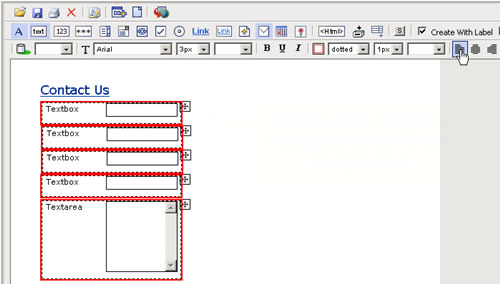
FormLogix‘s WYSIWYG tool is well designed you just need to drag n drop elements to create forms. If you are not comfortable with designing your forms you can use their templates to start with.
When your visitors submit data through your form, that data is emailed to you. Once data is submitted you can view it using a web interface. The information viewed can be sorted and sliced for preparing reports. You will also be able to create, edit, and delete data.
You can also add forms as widgets, check the available widgets to add to your blog.

