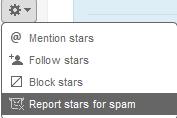
 Is Twitter spam annoying? Here is a breather. Today Twitter added new options that enable users to flag bad accounts on Twitter. Clicking on the “report for spam†link will alert Twitter that the account is possibly a spam account. And, it blocks the account from following you or replying to you. However, no automated action will be taken as a result of reporting a user as spam.
How to report spam?
When you’re logged in to your Twitter account, you can report a user as spam directly from their profile page. Just look for the “report for spam†link in the Actions section of the user’s right sidebar. You can also find this link in the drop-down Actions menu.
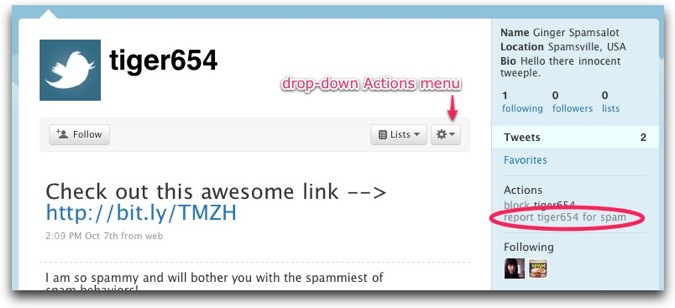
When you click on this link, you’ll see a pop-up message asking you to confirm your report. Click on “OK” and you’re done. Doing this will also block the user from following you or from replying to you. Read more about reporting spam on Twitter here.
Source: Twitter blog
