A lot of people say that texting while walking is dangerous and you need to focus on what is in front of you. Well, there is an app available for this which will let you text while you walk and, at the same time, keep your eyes on the road. Others can use it as a fun app. Walking text is a new app for Android with which you can use the camera in order to see what is going on in front of you. Texting while walking is still not safe, however, if you still want to use the app to keep your eyes in front while texting, then this is the perfect app.
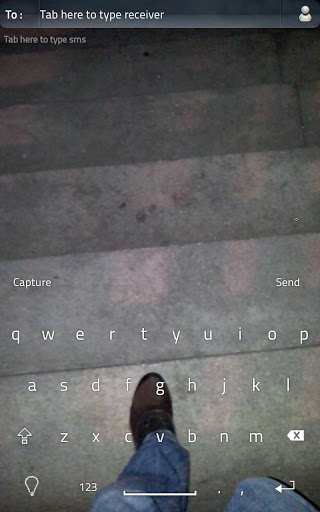
Basically, the app features a totally transparent keyboard and its basically a camera in the background of the keyboard. There are other apps available with such a feature, however, Walking Text is the perfect app as it lets users do anything on their device with a transparent keyboard. Also, the app doesn’t use any additional battery. Battery usage with other similar apps is always the problem, however, you can use this without any doubt as tests have shown that the app doesn’t use any additional battery life.
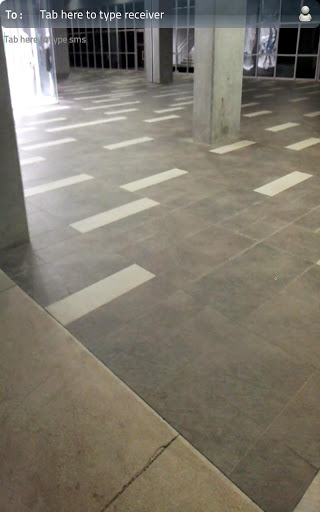
Walking Text features a full QWERTY keyboard and has an option to enable or disable led light. You can turn this on and off from within the keyboard. Another great feature is that you can easily take pictures while you are texting using the keyboard without going through options or menu.
The app also has an option for a semi transparent keyboard. Aside from that, it can also get to all your contacts while the camera preview is on. Walking text also supports notifications, delivery reports and changing text size and color.
Walking Text is available here and will work on All Android devices with firmware 2.2+.
