Google released a new chatback widget that allows your site vistors to chat with you live.
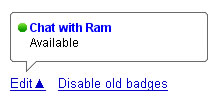
All you need to do is copy paste the code displayed on the chatback widget page to your blog or site. Whenever you are online in Gtalk, your visitors see your online status and can chat with you by clicking the badge. When someone clicks it you will receive the notification in your Google Talk, you have to click the link to join the conversation, if you don’t want to chat just ignore the request.
Your visitors need not have Google account to chat with you.

