Google Docs Forms is one of the coolest way to create simple surveys to get some feedback. The creation of the forms became more easier now with the forms wizards.
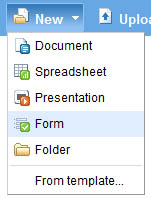
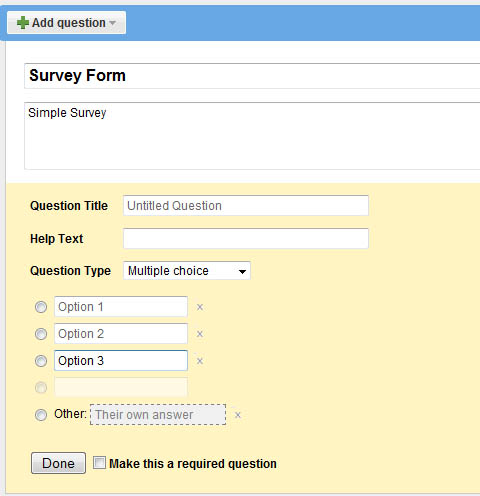
Now Google has added a link to the Forms in “New” menu of Google Docs, clicking on this will take to a form wizard where you can select choices for the questions as Text, Paragraph Text, Multiple Choice, Checkboxes, Choose from a list, Scale (1-n) and then fill up the questions.
The finished forms can be sent to others for collecting responses. You can also embed the forms in blogs or web sites. Via Google System